BriXel Care
A software solution by BriXel Zone, created by Tajammal Hussain
Desktop break reminders for people who sit at a screen all day. A small popup appears on a schedule you set, shows a tip and a countdown, and gets out of the way. Free to download.
See it in action
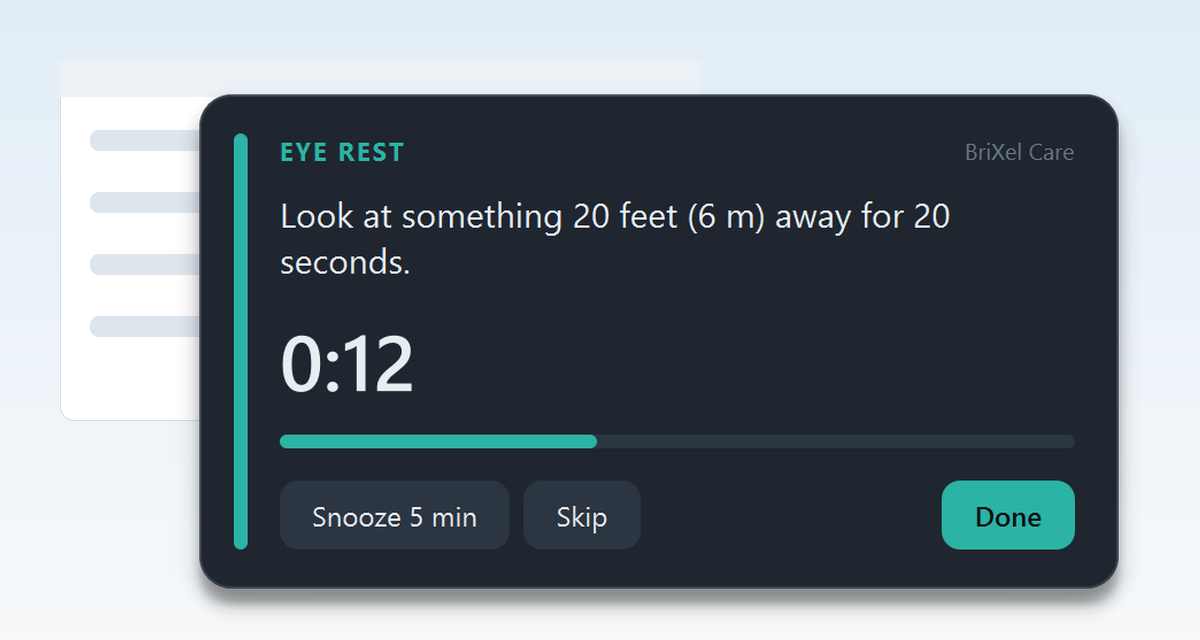
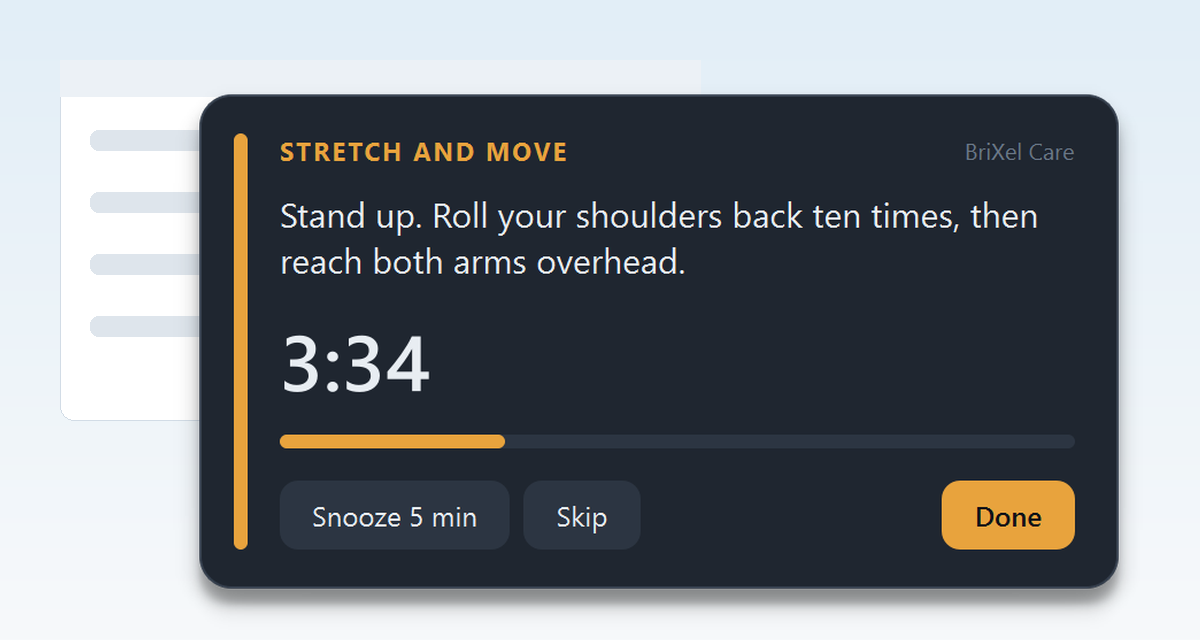
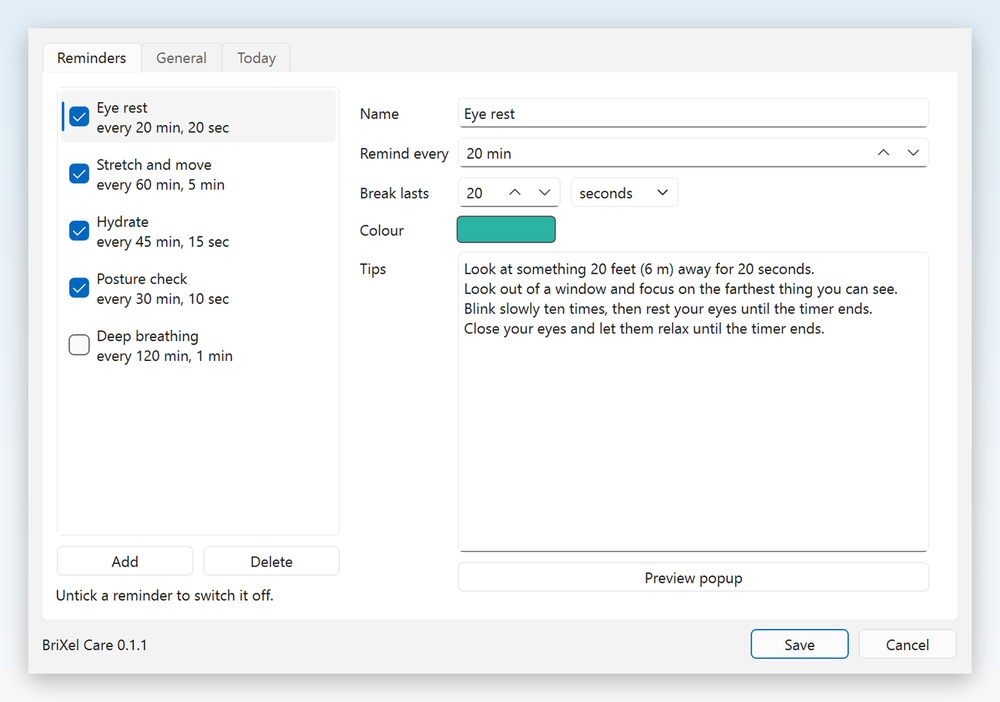
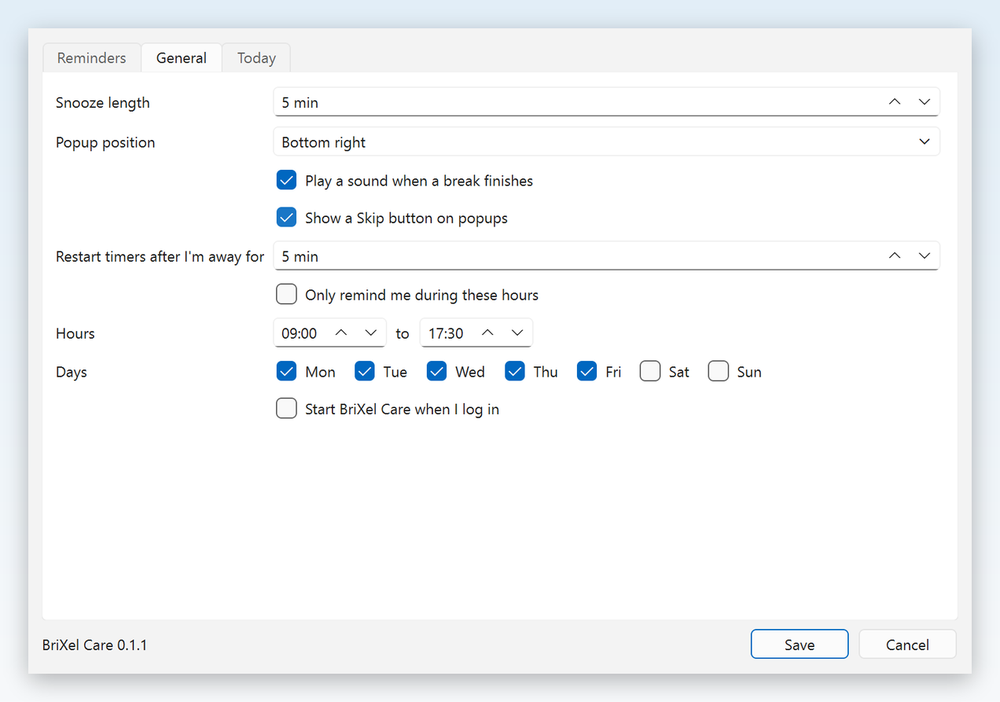
Real screenshots from BriXel Care on Windows.
Download BriXel Care 0.1.2
Free, with no account or sign-up.
-
Windows
Windows 10 or 11. Installer: no admin rights needed
BriXelCare-Setup.exe · 28 MB
DownloadSHA-256:
7efc426b05f7403aea537bca26236e2ab5dc250a56db6585f15a85bd43a0f864Prefer no installer? Portable version (BriXelCare-Windows.zip, 40 MB) SHA-256:
e182cc64b6873856bfc35260b99e8be8e87fb64607407f6503c6ed9bf4dde1b6 -
macOS
Apple Silicon Macs (M1 or later)
BriXelCare-macOS.zip · 28 MB
DownloadSHA-256:
7ccd5abc174d8b69055e1faafabe1b1d1e2491d02ea627cdb1ac56b7a48c609d -
Linux
64-bit Linux (Ubuntu 22.04 or newer)
BriXelCare-Linux.zip · 103 MB
DownloadSHA-256:
671b08a5081594a714c75c07de2519a9365fd2a128a68945541a5324bb8eebed
Files are hosted on BriXel Zone.
To check your download, compare its SHA-256 with the value above (on Windows, run Get-FileHash BriXelCare-Setup.exe in PowerShell).
Say thanks
BriXel Care is free and stays fully usable without paying. If it helps you take better breaks, you can buy the developer a coffee. A tip is a personal gift to Tajammal Hussain, taken by Ko-fi and PayPal. It is not a payment for the app, not a charity donation, and unlocks nothing.
Buy me a coffeeInstall on Windows in four steps
- Click Download for Windows and open
BriXelCare-Setup.exefrom your Downloads folder. - If Windows says “Windows protected your PC”, click More info, then Run anyway (the app is not code-signed yet).
- Click Next and then Install. It installs just for you and does not ask for an administrator password.
- Click Finish. BriXel Care starts, and you can open it again any time by typing “BriXel Care” in the Windows search bar.
To remove it, use Settings > Apps > Installed apps. Your settings stay on your computer unless you delete the BriXelCare folder in %AppData%.
This release is not code-signed, so Windows may say the publisher is unknown. Choose “More info”, then “Run anyway”. On macOS, right-click the app and choose Open. The checksum for each file is on the download page, so you can check your download. The macOS and Linux versions have so far been built and checked by an automated service, not on real Mac or Linux machines, so please tell us if something does not work.
What it does
-
Reminders you control
Eye rest, posture, hydration and stretch breaks come ready-made. Add, rename or switch off any of them, and change the timing, colour and tips.
-
Stays out of the way
A small popup with a countdown appears on your schedule. It never takes keyboard focus, so it cannot swallow what you are typing.
-
Knows when you have gone
If you step away or the computer sleeps, timers restart when you return, so you are not nagged after a real break.
-
Your hours only
Optionally limit reminders to set working hours and days, and start the app at login without admin rights.
Privacy
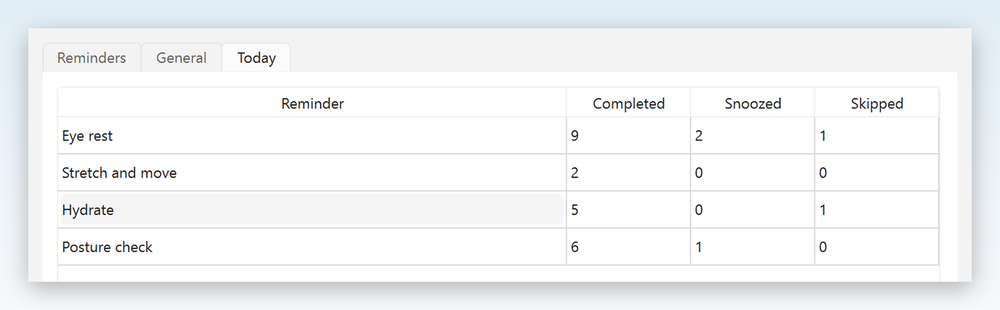
BriXel Care collects no personal data and makes no network connections. Settings and simple daily counts of breaks (completed, snoozed, skipped) are saved as plain files on your own computer and deleted automatically after 90 days. To see whether you have stepped away, it reads only how long it has been since your last keyboard or mouse input, never what you pressed. The full privacy notice is in the download.
Good to know
- The reminders and tips are general wellbeing prompts, not medical advice. If you have pain, eye strain or a health condition, speak to a health professional.
- Using it does not by itself meet an employer’s duties under the Display Screen Equipment Regulations 1992.
- The popup is visual with an optional beep and does not flash. It has not been tested with screen readers, and it cannot be dismissed from the keyboard; it closes itself when the timer ends.
- Licence and terms are in the download. The source code is not available. Qt/PySide6 components keep their own LGPL licence.
Publisher and contact
BriXel Care is a software solution by BriXel Zone, created and published by Tajammal Hussain. © 2026 Tajammal Hussain.